
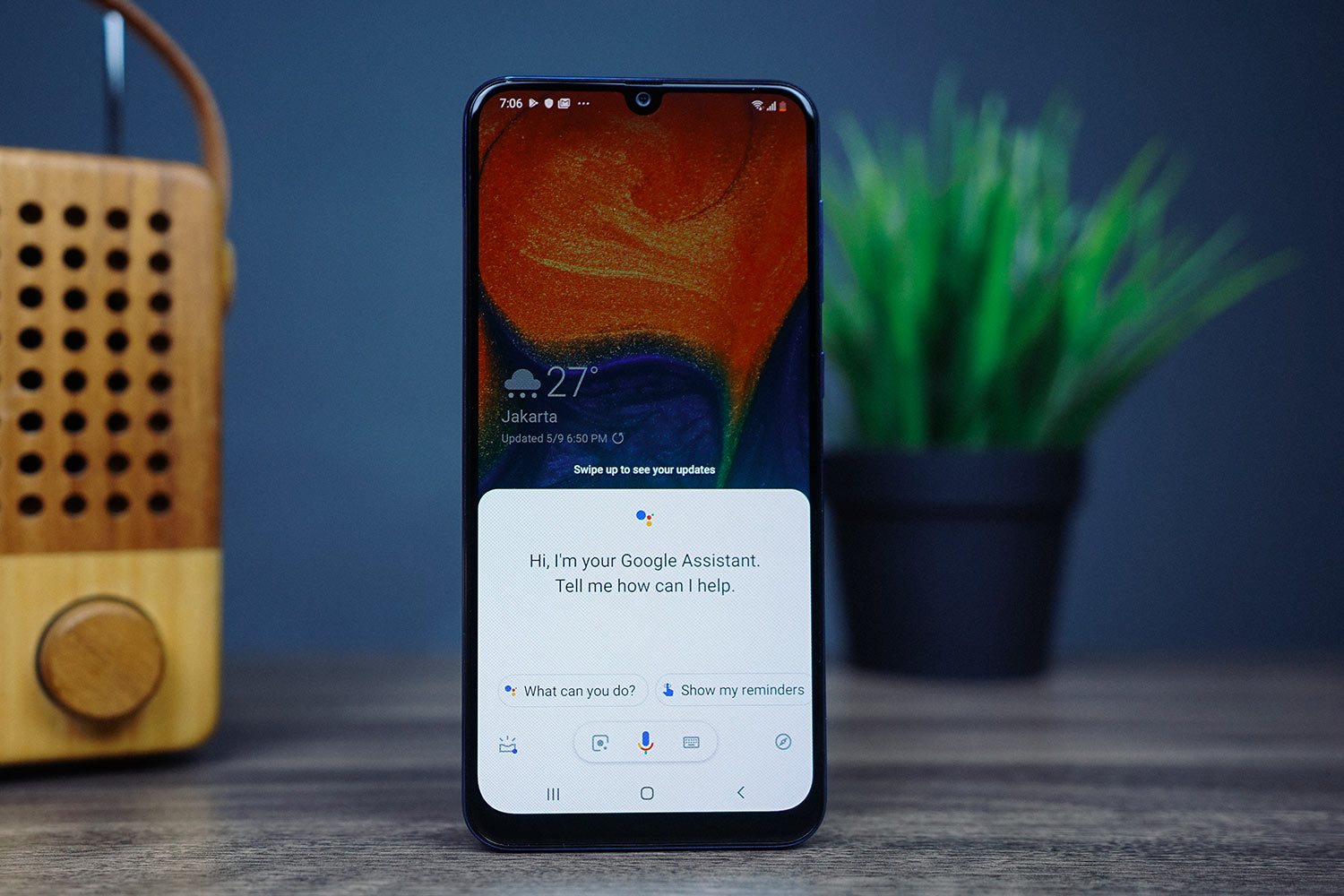
Mastering Music on Google Assistant and Google Nest Speakers: A Comprehensive Guide to Supported Services
Google Assistant and Google Nest speakers have redefined how we interact with technology at home, especially when it comes to streaming music and audio content. Whether you’re craving the latest album from your favorite artist, a curated podcast series, or live radio, Google’s ecosystem supports a wide array of platforms to cater to diverse preferences. But with so many music and audio services available, how do you know which ones work seamlessly with your Google Assistant or Google Nest speaker?
In this article, we dive deep into the supported music services, provide actionable tips for setup and usage, and present a detailed table summarizing compatibility. Whether you’re a Spotify loyalist, a Tidal enthusiast, or an Apple Music user, this guide will help you unlock the full potential of your smart speaker.
The Google Assistant and Google Nest Ecosystem
Google Assistant and Google Nest speakers are designed with integration at their core. These devices rely on partnerships with third-party services to deliver a cohesive user experience. While Google’s own services like YouTube Music and Google Play Music are deeply embedded, the Assistant also supports a growing list of external platforms.
The key to compatibility lies in how well a service integrates with Google’s APIs and voice-command framework. Most supported services allow users to:
- Play specific songs, artists, or albums.
- Create and manage playlists.
- Adjust volume or skip tracks.
- Explore curated playlists or radio stations.
However, the depth of integration can vary. Some services may offer basic playback, while others support advanced features like smart recommendations or offline playback. Let’s break down the supported services and how they stack up.
Supported Music Services: Streaming, Podcasts, and Radio
Google Assistant and Google Nest speakers support a wide range of music and audio services. Below is a categorized breakdown of these platforms, including their features, availability, and setup instructions.
- Streaming Music Services
| Service | Availability | Key Features | Setup Instructions | Limitations |
| Spotify | Global | Play songs, albums, playlists; supports Spotify Premium (offline playback). | Link via Google Home app or Spotify app. | Free tier has ads; Premium required for offline playback. |
| YouTube Music | Global | YouTube, album playlists, radio; full integration with Google ecosystem. | Automatically linked if you’re signed into your Google account. | No ad-free option in free tier. |
| Apple Music | iOS/Android | Stream songs, albums, and curated playlists. | Link via Google Home app (requires Apple Music subscription). | Limited iOS-only features (e.g., Apple Lossless). |
| PlayStation Vue | N/A (Discontinued) | Previously supported live TV/music. | No longer available. | N/A |
| Pandora | Select regions | Play radio stations, albums, and playlists. | Link via Google Home app (requires Pandora Premium). | Limited to certain countries (e.g., US/Canada). |
| Deezer | Global | Unlimited streaming, playlists, and smart radios. | Link via Deezer app. | Free tier has ads. |
| Tidal | Global | HiFi audio, playlists, and curated channels. | Link via Tidal app (requires Premium subscription). | Free tier available. |
| iHeartRadio | Global | Live radio, on-demand stations, and podcasts. | Link via Google Home app. | Ads present in free tier. |
- Podcast Platforms
| Platform | Availability | Key Features | Setup Instructions | Limitations |
| Spotify | Global | Stream podcasts; search for episodes or hosts. | Link via Google Home app (requires Spotify Premium for offline episodes). | Free tier has ads. |
| Apple Podcasts | Global | Listen to top-ranked shows, explore categories. | Link via Google Home app. | Siri-specific features not accessible via Google Assistant. |
| Google Podcasts | Global | Personalized recommendations, customizable feeds. | Automatically available if signed into your Google account. | No offline playback support for new users (as of 2023). |
- Radio Services
| Service | Availability | Key Features | Setup Instructions | Limitations |
| TuneIn | Global | Live radio stations, sports, and news. | Link via Google Home app. | Ads in free tier. |
| iHeartRadio | Global | Live radio, on-demand stations, and music mixes. | Linked automatically if Spotify or Apple Podcasts are active. | Same as above. |
How to Set Up Music Services on Google Assistant and Google Nest
- Link Your Account
Open the Google Home app, tap your profile, and select Manage Assistant > Music and podcasts. Choose the service you want to add and follow the prompts to sign in. - Activate via Voice Command
Use specific triggers like:- “Hey Google, play Spotify.”
- “Hey Google, play a jazz playlist from YouTube Music.”
- Use the App for Advanced Settings
Services like Apple Music or Deezer require adjustments in their respective apps, not the Google Home app.
Best Practices for Using Music Services
- Optimize Your Subscription: Premium tiers often unlock offline playback and ad-free listening.
- Cross-Service Requests: Try combinations like, “Hey Google, play a Motown playlist from Spotify.”
- Multi-Room Sync: Use “Hey Google, play [song] in all rooms” for synchronized listening.
- Scheduled Playback: “Hey Google, play [service] at 7 PM” automates your routine.
Troubleshooting Common Issues
- Service Not Found: Ensure the service is linked in the Google Home app.
- Audio Quality Issues: Check your internet connection and the service’s supported bitrates.
- Voice Command Limitations: Complex requests (e.g., “Play ‘Bohemian Rhapsody’ by Queen from Apple Music”) work best with clear, direct commands.
Why the Google Assistant Ecosystem Matters
The strength of Google Assistant and Google Nest speakers lies in their adaptability. By supporting multiple services, they cater to users who may already have subscriptions to platforms like Spotify or Apple Music. This flexibility ensures you don’t have to switch ecosystems to enjoy your preferred music and podcasts.
Frequently Asked Questions
- Are all supported services available worldwide?
No. Services like Pandora and iHeartRadio are limited to select regions (e.g., the US/Canada). Always check the service’s official website for availability. - Can I use multiple music services on one Google Nest speaker?
Yes, but the speaker defaults to the last-used service. You can switch by saying, “Hey Google, play [service].” - Why isn’t my music playing when I ask for it?
Ensure your account is linked, the service is compatible in your region, and your internet connection is stable.
Final Thoughts
Google Assistant and Google Nest speakers offer a robust platform for music and audio enthusiasts. With support for major streaming services like Spotify, YouTube Music, Apple Music, and more, users can tailor their experience to their exact preferences. Whether you’re a casual listener or a dedicated audiophile, the key is to explore, link your accounts, and experiment with voice commands to unlock the full potential of your smart home.
Disclaimer: This article provides accurate information as of June 2023. Music service availability and features may change over time. For the latest updates, check the official Google Assistant and service provider websites.
Keywords: Google Assistant Music Services, Google Nest Speakers Compatibility, Streaming Music Integration
Have any thoughts?
Share your reaction or leave a quick response — we’d love to hear what you think!
-
 0
0
-
 0
0
-
 0
0
-
 0
0
-
 0
0
-
 0
0
