
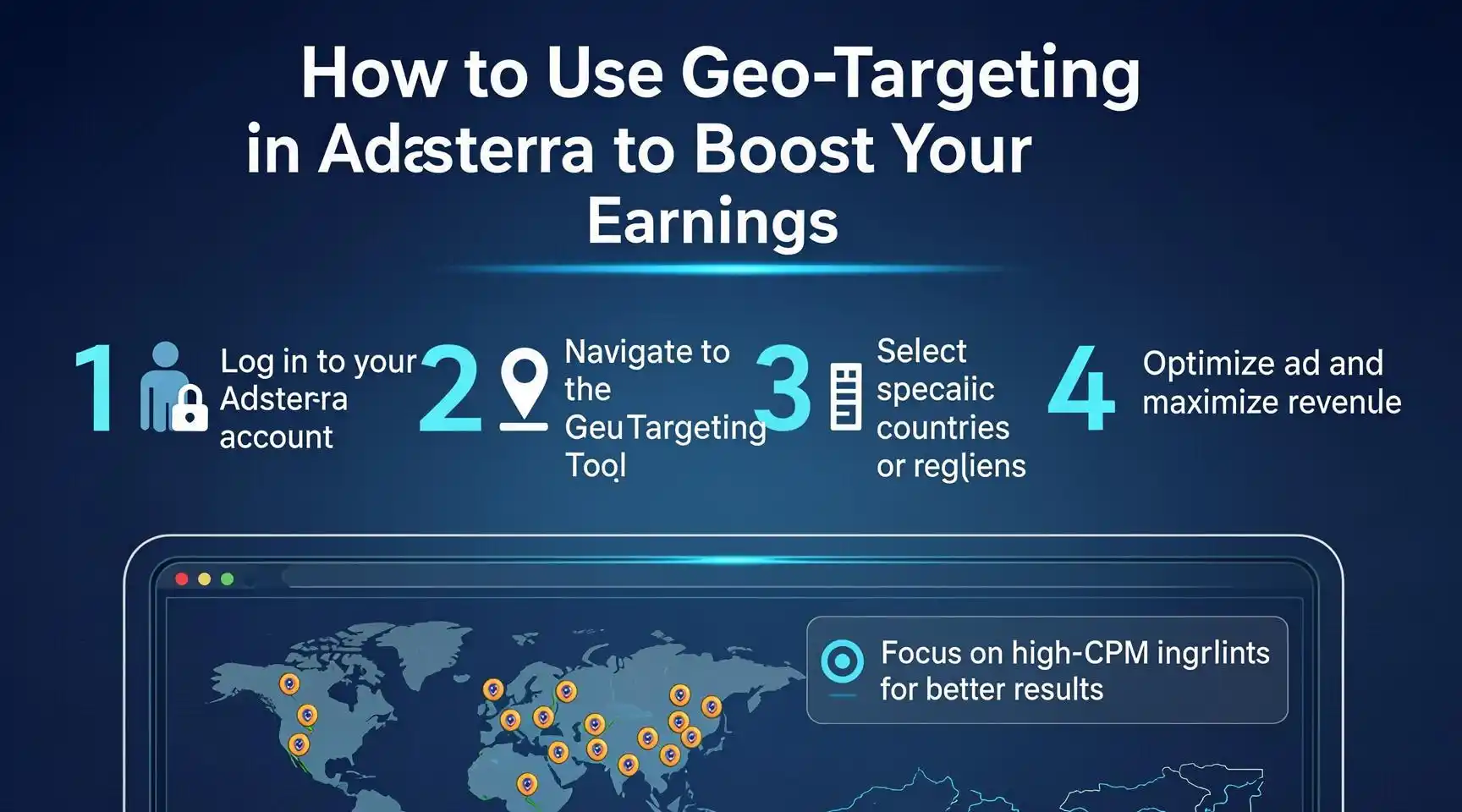
Unlock Global Profits: The Ultimate Guide to Using Geo-Targeting in Adsterra to Boost Your Earnings
Introduction
In the competitive landscape of digital publishing and affiliate marketing, traffic is the lifeblood of your business. However, not all traffic is created equal. A visitor from a Tier 1 country like the United States or the United Kingdom holds significantly different monetary value than a visitor from a region with lower purchasing power. This is where the power of Geo-Targeting comes into play.
For publishers and arbitrage experts using Adsterra, understanding and implementing geo-targeting is not just an option—it is a necessity for scaling income. Adsterra is known for its high CPM (Cost Per Mille) rates and flexible ad formats, ranging from Native Ads to Popunders and Social Bar widgets. Yet, many publishers leave money on the table by serving the same generic ads to a global audience, failing to capitalize on the specific demands of different geographic markets.
This guide will walk you through the mechanics of geo-targeting within the Adsterra ecosystem. We will explore how to identify high-paying regions, how to configure your dashboard for maximum efficiency, and how to tailor your content strategy to attract the traffic that pays the most. Whether you are a beginner blogger or a seasoned media buyer, these step-by-step strategies will help you transform your traffic into a high-yielding asset.
Step-by-Step Guide to Using Geo-Targeting in Adsterra
Step 1: Understand the “Tier” System of Traffic
Before diving into the Adsterra dashboard, you must understand the economics of geography. Advertisers bid higher for traffic from countries with strong economies and high conversion rates.
- Tier 1 (e.g., USA, UK, Canada, Australia): Offers the highest CPM rates. Advertisers pay top dollar because users here have high purchasing power.
- Tier 2 (e.g., Germany, France, Japan): Good CPM rates, often slightly lower than Tier 1 but still highly profitable.
- Tier 3 (e.g., India, Brazil, Vietnam, Indonesia): Lower CPMs, but often higher traffic volume. The key here is volume over price.
Action: Log into your Adsterra account and review your current statistics. Identify which countries are bringing you the most impressions and which are bringing the highest eCPM (effective cost per mille).
Step 2: Analyze Your Current Traffic Sources
You cannot optimize what you do not measure. Use the Statistics tab in your Adsterra dashboard.
- Navigate to the Reports section.
- Filter results by Country.
- Look for discrepancies. You might find that you have 100,000 impressions from Indonesia earning $50, but only 5,000 impressions from the USA earning $100. This data tells you that USA traffic is 20x more valuable for you.
Step 3: Set Up Specific Ad Zones for Specific Regions
One of the most effective ways to use geo-targeting as a publisher is to create different ad zones for different types of traffic.
- Create a New Zone: In your Adsterra dashboard, click “Add New Zone.”
- Format Selection: Choose high-performing formats like Native Banner or Social Bar.
- Naming Convention: Name your zones clearly (e.g., “Native_Banner_USA_Tier1” or “Popunder_Global_Tier3”). This helps you track performance easily later.
- Implementation: While Adsterra’s smart algorithm automatically serves the highest bidding ads for the user’s location, organizing your zones allows you to place them differently on your site. For example, you might use more aggressive ad formats for Tier 3 traffic to maximize volume earnings, while using cleaner, user-friendly Native ads for Tier 1 traffic to maintain retention.
Step 4: Leverage the Smart Link Feature for Global Traffic
If you have a messy mix of traffic from all over the world, Adsterra’s Smart Link is your best friend.
- Navigate to the Smart Link section in your dashboard.
- Generate a tracking link.
- This link automatically detects the user’s country and redirects them to the highest-paying offer available for that specific region at that moment.
- Usage: This is perfect for “Download” buttons, “Next Page” links, or redirecting mobile traffic. It ensures that even traffic from lower-tier countries is monetized with the best possible offer, rather than showing a blank ad.
Step 5: Content Arbitrage and Geo-Targeting
If you are buying traffic (arbitrage) to feed your Adsterra ads, geo-targeting is your profit lever.
- Bid Strategically: When buying traffic on platforms like Facebook, Google Ads, or PropellerAds, set different bids for different countries.
- Target the Sweet Spot: Focus on English-speaking countries (Tier 1) but also consider “emerging” Tier 1 markets like New Zealand or Ireland, where traffic costs might be lower than the USA but CPMs on Adsterra remain high.
- Content Localization: Write articles that appeal specifically to high-paying regions. A post about “Winter Fashion Trends” will likely attract higher-paying advertisers from cold, wealthy Northern Hemisphere countries than a generic post about “Clothing.”
Step 6: Optimize Ad Formats by Geo
Different users from different cultures interact with ads differently.
- For Tier 1 Countries: Use Native Ads. Users in these regions are often “banner blind.” Native ads blend with content, offering a better user experience and higher CTR (Click-Through Rate), which boosts earnings.
- For Tier 3 Countries: Volume is key. Popunders and Social Bars can be effective here because they guarantee an impression. While the RPM is lower, the high volume of traffic can accumulate significant earnings.
Step 7: Monitor and Rotate
Geo-targeting is not a “set it and forget it” strategy.
- Check your stats weekly.
- If you notice a spike in earnings from a specific country (e.g., a sudden viral trend in Germany), analyze why.
- Rotate your ad placements. If users from a specific country stop clicking, they may be experiencing “ad fatigue.” Move your Native Ads to a different spot on the page or switch from a Sidebar banner to an Interstitial format for a week.
Conclusion
Geo-targeting in Adsterra transforms a passive income stream into an active business model. By recognizing that a visitor from New York is worth differently than a visitor from New Delhi, you can structure your website and ad placements to maximize the value of every single visitor. Start by auditing your current traffic, segmenting your ad zones, and utilizing Smart Links to ensure no impression goes to waste.
Disclaimer
The information provided in this post is for educational and informational purposes only. Earnings from ad networks like Adsterra can vary significantly based on niche, traffic quality, seasonality, and advertiser demand. We do not guarantee specific income results. Always adhere to Adsterra’s Terms of Service and avoid clicking on your own ads or encouraging invalid traffic, as this can lead to account suspension.
Keywords
- Adsterra Geo-Targeting
- Increase Adsterra Revenue
- Ad Network Optimization
Hashtags
#Adsterra #Monetization #DigitalMarketing #BloggingTips #PassiveIncome #AdSenseAlternatives
Have any thoughts?
Share your reaction or leave a quick response — we’d love to hear what you think!
-
 0
0
-
 0
0
-
 0
0
-
 0
0
-
 0
0
-
 0
0
