
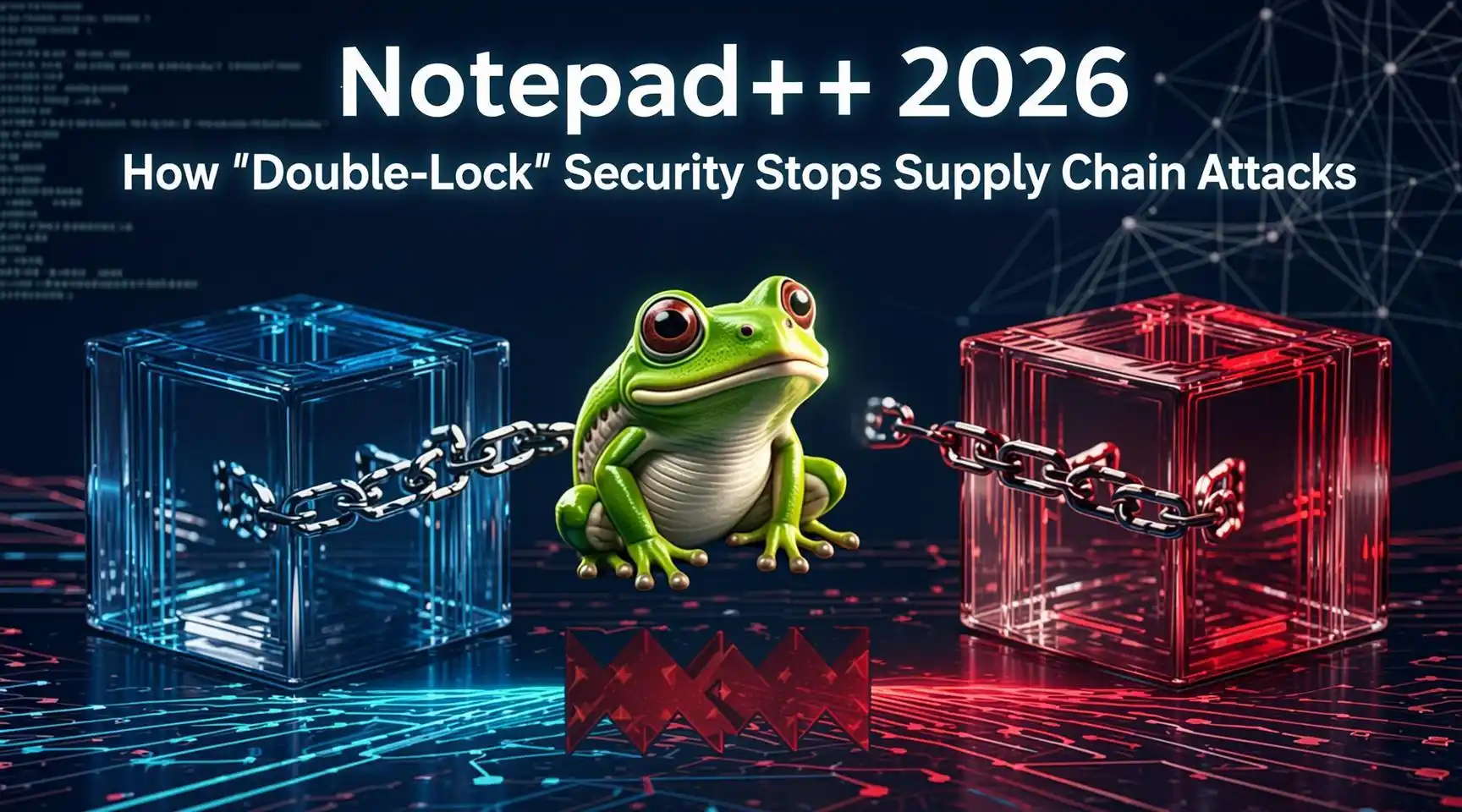
Notepad++ 2026: How “Double-Lock” Security Stops Supply Chain Attacks
Introduction
In the evolving landscape of cybersecurity, the software supply chain has become the new battleground. By 2026, supply chain attacks—where hackers compromise the software development lifecycle (SDLC) to inject malicious code into trusted applications—have become the primary vector for catastrophic data breaches. The era of trusting an application simply because it comes from a known vendor is over.
Enter Notepad++ 2026. Long revered as the “notepad of choice” for developers and system administrators, Notepad++ has historically been a lightweight, open-source utility. However, recognizing its ubiquitous presence on critical systems, the development team has unveiled a revolutionary architecture known as “Double-Lock” Security. This framework is designed not just to patch vulnerabilities, but to fundamentally alter the trust model between the software, the developer, and the end-user. This post explores how this feature redefines application integrity in a hostile digital world.
Understanding the Threat: The Supply Chain Weakness
Before diving into the solution, we must understand the problem. A traditional download verifies integrity via a single “lock”: a digital signature or a hash checksum.
- The Single-Lock Failure: In a standard supply chain attack, a threat actor compromises the build server of a software vendor. They inject malware into the source code just before it is compiled. The build server, being legitimate, automatically signs the malicious binary with the vendor’s valid private key.
- The Result: The user downloads the file, checks the signature, and sees “Valid.” They install the software, inadvertently deploying the malware. The single-lock (the signature) was valid, but the content was compromised.
Downloadnow
The “Double-Lock” Architecture
Notepad++ 2026 solves this by introducing a second, independent verification layer that cannot be bypassed by compromising the build server alone. It forces a consensus between two distinct entities: the Source Code Integrity and the Build Environment Integrity.
Lock 1: The Source Anchor (Cryptographic Source Verification)
The first lock binds the compiled binary directly to the public, immutable source code repository (e.g., GitHub). Using a deterministic build process, Notepad++ 2026 ensures that every line of machine code corresponds exactly to a specific commit hash in the public repository.
Lock 2: The Distributed Witness (Decentralized Notarization)
The second lock requires the compiled binary to be “witnessed” by a decentralized network of independent auditors (or “Notaries”) who compile the source code independently. If their compiled binaries do not match the official release binary bit-for-bit, the second lock fails to engage.
Step-by-Step: How Double-Lock Works in Practice
Here is a detailed breakdown of how a user interacts with and benefits from the Double-Lock system in Notepad++ 2026.
Step 1: The Deterministic Build Pipeline
When the Notepad++ team releases version 2026, they do not simply compile the code on a single server. They initiate a “Deterministic Build” protocol.
- Action: The build system strips all non-essential metadata (timestamps, unique IDs) that usually cause binaries to differ between compilations.
- Outcome: If 100 different developers compile the same source code on 100 different machines, the resulting binary files are mathematically identical—bit for bit.
Step 2: The Distributed Witness Network (The Second Key)
Once the official build is ready, it is not immediately signed. It is first pushed to the Distributed Witness Network.
- Action: Independent security nodes (run by security researchers, open-source foundations, and automated CI/CD mirrors) pull the source code, compile it locally, and generate their own hash.
- Verification: They compare their hash to the hash of the official binary.
- Quorum: If a threshold (e.g., 90%) of independent witnesses agree that their binaries match the official binary, they cryptographically co-sign the release. This constitutes the “Second Lock.”
Step 3: User Side Verification via the Trust Manager
When a user downloads Notepad++ 2026, they encounter the new “Trust Manager” interface.
- Visual Indicators: The interface displays two shields. Shield 1 (Developer Signature) and Shield 2 (Witness Consensus).
- Scenario A (Safe): Both shields are green. This confirms that the developer signed it and independent auditors confirmed the source code matches the binary.
- Scenario B (Compromised): Imagine a hacker breached the Notepad++ build server and injected malware. They can sign the binary with the stolen developer key (Lock 1 is Green). However, when the independent witnesses compile the clean source code, their binaries will not match the compromised binary. The Witness Consensus will fail. Shield 2 turns Red. Installation is blocked by default.
Step 4: Runtime Integrity Guard
Double-Lock extends beyond installation. When Notepad++ 2026 runs, it verifies the integrity of its plugins.
- Plugin Sandbox: Plugins are the weak link in many applications. In the 2026 version, plugins must also adhere to the Double-Lock standard.
- Behavioral Analysis: If a plugin attempts to execute shell commands or access memory outside its allocated sandbox, the Double-Lock “Behavioral Guard” terminates the process instantly, preventing “living off the land” attacks.
Step 5: The User Override and Transparency Log
For advanced users who wish to bypass security (e.g., using an unsigned internal plugin), the system offers a Transparency Log.
- Action: The user can choose to override the block, but they must provide a reason recorded in a local, immutable log file.
- Audit: This log can be exported for IT security audits, ensuring that security exceptions are documented and traceable.
Why This Matters
The brilliance of Notepad++ 2026’s Double-Lock system is that it removes the “Single Point of Failure.” To successfully execute a supply chain attack against this system, a threat actor would need to:
- Compromise the Developer’s build server (to break Lock 1).
- Compromise the Private Keys of the majority of the Distributed Witness Network (to break Lock 2).
This level of coordination is exponentially more difficult and costly than traditional attacks, effectively neutralizing the vast majority of supply chain threats.
Keywords: Supply Chain Security, Notepad++ 2026, Double-Lock Encryption
Hashtags: #CyberSecurity #SoftwareDevelopment #NotepadPlusPlus #SupplyChainAttack #TechTrends2026
Disclaimer: This article is a hypothetical technical exploration based on projected cybersecurity trends for the year 2026. “Notepad++ 2026” and the “Double-Lock” feature described are fictional conceptualizations created for educational and illustrative purposes regarding supply chain security mechanisms. While Notepad++ is a real software product, the specific features detailed herein may not reflect the actual roadmap or capabilities of the developer.
Have any thoughts?
Share your reaction or leave a quick response — we’d love to hear what you think!
-
 0
0
-
 0
0
-
 0
0
-
 0
0
-
 0
0
-
 0
0
